What is Scrībō?
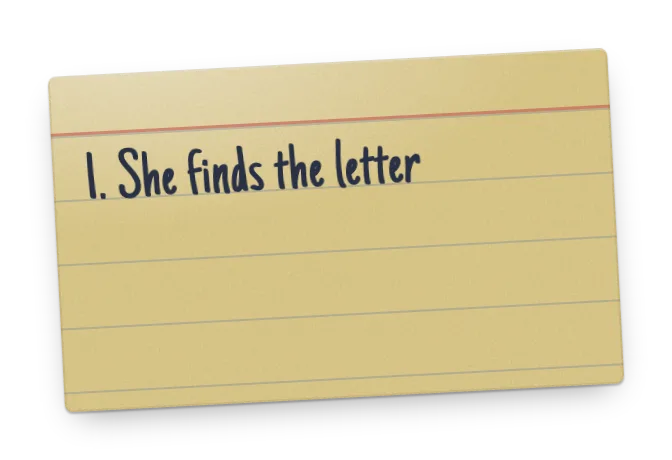
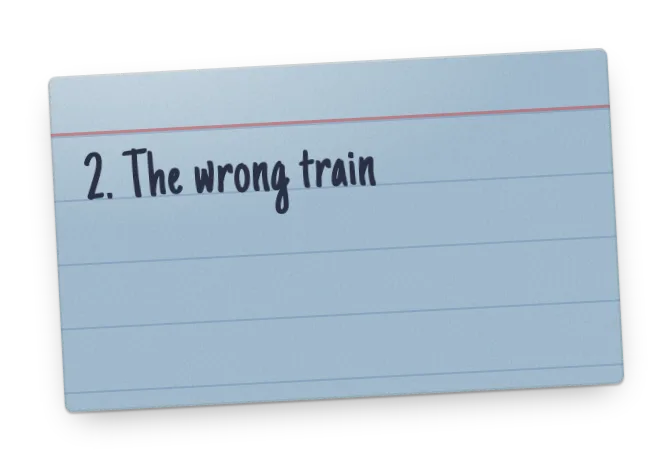
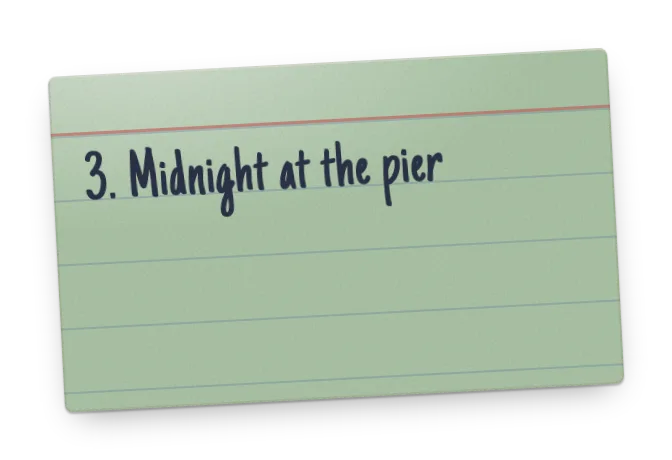
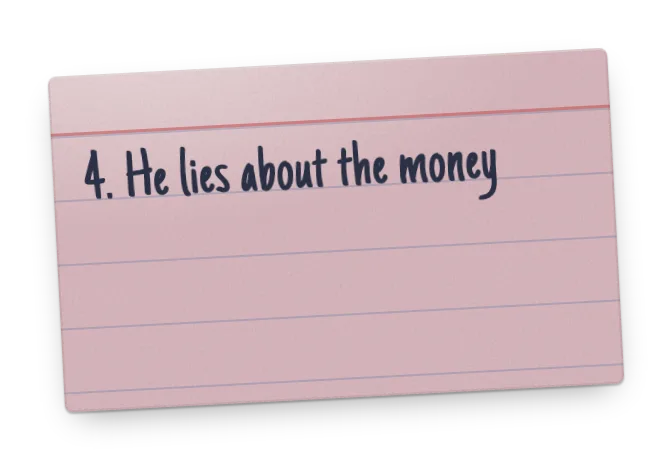
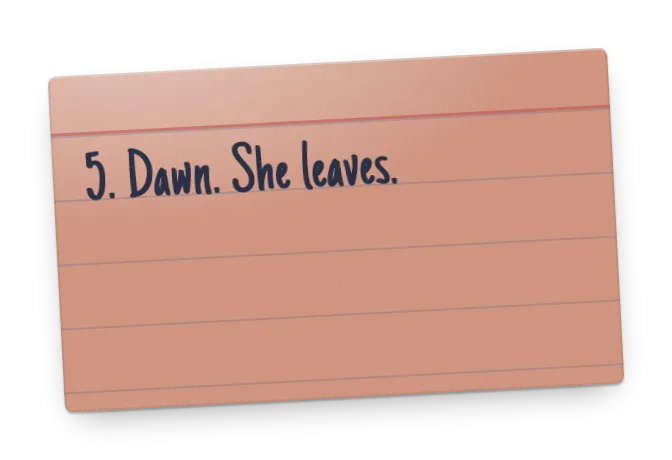
Scrībō (Latin for “I write”) is a free index card app for writers that brings the classic index-card outlining method to your browser. Instead of pinning paper cards to a corkboard, you write each scene, plot point, or idea on a digital card — then drag the cards around until the structure of your story clicks. Think of it as a digital corkboard that goes wherever you do.
It’s built for screenwriters, novelists, playwrights, and anyone who plans a story before writing it. No installs, no setup, no sign-up: open the app and start outlining right away.
Features
- Digital index cards — capture one scene or idea per card, just like the classic corkboard method.
- Drag-and-drop reordering — restructure your outline by dragging cards into a new order.
- Acts and color-coding — group cards into named acts you can collapse and reorder, and tag cards in five colors to track plotlines or characters at a glance.
- Fountain import and export — turn a screenplay into cards, one per scene, and send your outline back to Highland, Slugline or Fade In.
- Share and export — read-only share links, printing, and export to text, CSV, JSON or Fountain.
- Optional AI — off until you switch it on. Then Scrībō can suggest the next plot point, or write a logline, synopsis or outline from your cards.
- Your setup, your way — autosave, keyboard shortcuts, light or dark mode, twelve card themes (three free, nine with Pro), card sizes, and portrait or landscape cards — in any browser, on any device.
Twelve card themes
The same card, dressed twelve ways. Classic, Modern and Bright are free; the other nine come with Scrībō Pro. Every theme has a light face and a dark one, and follows your appearance setting.
- Classic
- Modern
- Bright
- Glass Pro
- Neon Pro
- Aurora Pro
- Holo Pro
- Velvet Pro
- Midnight Pro
- Clay Pro
- Ultra Pro
- Sorbet Pro
Free forever — Pro if you want more
Everything you need to outline a story is free, with no time limit and no account required. Scrībō Pro is for the writers who live in it.
Free
$0 forever
- Unlimited cards, color-coding, acts and drag-and-drop
- Cloud sync with a free account
- Export to text, CSV, JSON and Fountain
- Read-only share links
- Three projects
- Three card themes: Classic, Modern and Bright
- Five AI plot suggestions a day, and two AI documents a month
Scrībō Pro
$4.99 a month, or $49.99 a year
- Everything in Free
- Unlimited projects
- Unlimited AI plot suggestions
- AI loglines, summaries, synopses and outlines, written from your cards — unlimited
- Fountain import — turn a screenplay into cards, one per scene
- All twelve card themes
Upgrade from the app’s settings drawer. Cancel any time.
How it works
- Jump right in — no sign-up needed: open the app and start writing cards immediately.
- Add cards — write one scene, beat, or idea per card.
- Arrange your story — drag cards to reorder and color-code them to mark plotlines or acts.
- Create a free account when you’re ready — sign up with email or Google to save your cards to the cloud, use them on any device, and unlock AI plot suggestions — five a day free, unlimited with Scrībō Pro. The cards you’ve already written come with you.
Guides
Frequently asked questions
Is Scrībō free?
Yes — and it always will be. You can start outlining without even creating an account, and a free account never expires. Scrībō Pro ($4.99 a month or $49.99 a year) adds unlimited projects, unlimited AI suggestions and AI documents (loglines, summaries, synopses and outlines written from your cards), Fountain import and nine extra card themes. Cancel any time.
Do I need an account to use Scrībō?
No. You can start writing cards immediately — they’re saved in your browser. Create a free account when you want your cards backed up to the cloud and available on any device; anything you wrote before signing up is carried over to your account.
Who is Scrībō for?
Scrībō is designed for screenwriters outlining scripts, but it works just as well for novelists, playwrights, students, and anyone who wants to plan a story, talk, or project with index cards.
How is Scrībō different from paper index cards?
Your cards live in the cloud, so they’re available on any device and never get lost. You can reorder them instantly, color-code them, and — unlike paper — get AI-powered suggestions for the next beat of your story.
Can I use Scrībō to outline a novel?
Yes. Cards hold any text and acts take any name, so a board works just as well for a novel’s scenes, chapters and parts — color-code by point of view and export the outline to plain text for Scrivener or Word. See Scrībō for novelists.
Can I import my screenplay?
Yes, with Scrībō Pro: import a Fountain file and every scene becomes a card, with your sections as acts. Exporting to Fountain is free for everyone. See Fountain and index cards.
Does Scrībō work on phones and tablets?
Yes. Scrībō runs in any modern web browser, and you can add it to your home screen for an app-like experience on iOS and Android.
Can Scrībō help when I’m stuck?
Yes. Scrībō’s AI suggestion feature reads the plot points you’ve written so far and proposes a next plot point, which you can keep, edit, or discard. Free accounts get five suggestions a day; Scrībō Pro has no daily limit.
Who makes Scrībō?
Scrībō is made by Automat Studio, an independent studio in Brooklyn, New York.
Start outlining your story
Free to use. No sign-up needed. Your cards are waiting.
scene by scene, it all comes together
FADE OUT.